Internship @ Hewlett Packard Enterprise
Automated Allegro DFM Trace Capture
A Python and Cadence SKILL pipeline that finds marginal trace neckdowns in Allegro, isolates the right layer, auto-frames and highlights each one, and drives an external capture script over a handshake protocol to package the screenshots into a ship-ready DFM folder. My team uses it in the back-and-forth with manufacturers and outside partners.
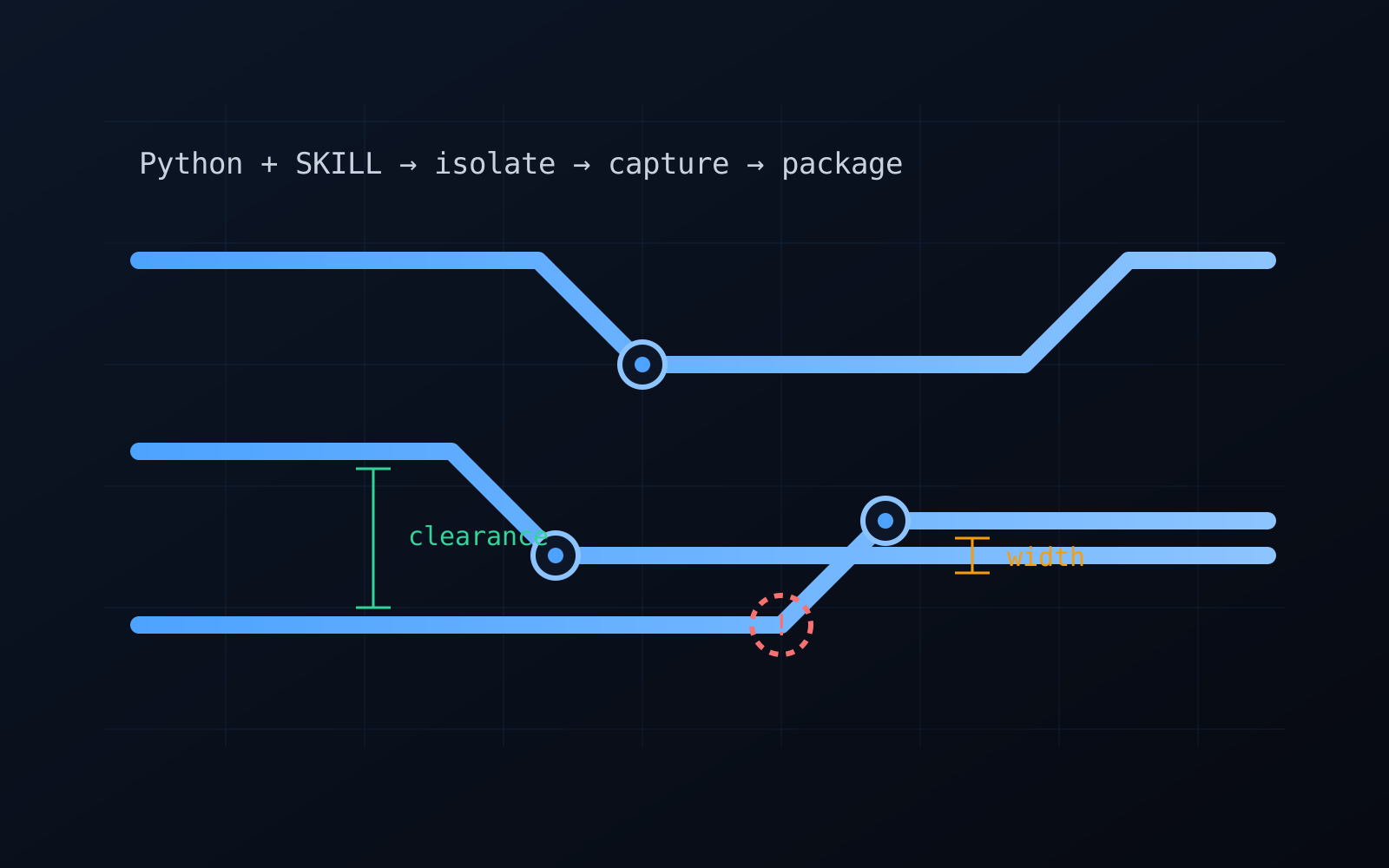
Work from my hardware internship on the networking R&D team, described at a general level, with no proprietary designs, rule sets, or details.
Context
Before a board goes out for fabrication, it has to clear design for manufacturability (DFM): the geometry of the layout has to stay inside what the manufacturer can actually build reliably. Part of that review is documenting the tight spots, and the tightest spots are usually neckdowns, places where a trace narrows to squeeze between pins, pads, or other copper. A neckdown is exactly where a trace either drops under the minimum width the fab guarantees or comes close enough that it needs a second look.
Documenting those by hand is slow and inconsistent. For every flagged trace an engineer has to find it, figure out which layer it is on, isolate that layer so the picture is not a mess of overlapping copper, frame it, highlight it, and screenshot it, then do that hundreds of times and organize the results into something the manufacturer can actually use. I automated the whole loop.
Finding the marginal traces
The first job was deciding what to capture. Working from the routed layout, the tooling identifies the neckdowns that either violate the width constraint or sit close to it under margin, so the package documents both the outright violations and the marginal cases that a reviewer would want eyes on. That marginal band is the important part: the outright violations are easy, but the near-misses are where manufacturability problems quietly hide.
Driving Allegro with Python and SKILL
Allegro is scriptable through SKILL, Cadence’s built-in automation language, and I used it to do in software what a person would otherwise do by hand for each trace:
- Isolate the layer. A flagged trace lives on one layer, so the script isolates that layer and turns the others off, so the capture shows the feature cleanly instead of a stack of overlapping copper.
- Highlight the trace. The specific segment is highlighted so it stands out unambiguously in the screenshot, no guessing about which trace the picture is documenting.
- Set a dynamic visibility ratio. Rather than a fixed zoom, the script computes the zoom dynamically per trace so the feature fills a consistent fraction of the view every time. A long run and a tiny neckdown both come out framed the same way, which is what makes the final package look uniform instead of hand-shot.
I drove that behavior from Python, using SKILL as the hands inside Allegro while Python orchestrated the sequence, walked the list of features to capture, and coordinated the actual screenshots.
A handshake protocol to package the captures
The screenshots themselves came from an external capture script, and getting two separate programs to cooperate reliably was the interesting engineering problem. If Python simply told Allegro to frame a trace and grabbed a screenshot immediately, it would race the redraw and capture a half-rendered view.
So I built a handshake-style protocol between the two sides: the orchestration sets up a trace and signals that the view is ready, the external capture script acknowledges, takes the screenshot, and signals back that it is done, and only then does the next trace get set up. That lock-step handshake keeps the two processes in sync so every capture lands on a fully drawn, correctly framed view, no dropped or garbled frames across a long run.
Each screenshot is then named and filed into the output folder so the finished result is a single, organized, ship-ready DFM package the manufacturer can open and work through directly.
In use on the team
The most rewarding part is that this is not a demo sitting in a folder. My team actually uses it, and the package it produces is what feeds the back-and-forth with manufacturers and outside partners. When a fab or a partner company raises a question about a tight trace, the consistent, clearly framed captures are the shared reference everyone points at, so the conversation is about a specific documented neckdown rather than vague descriptions or one-off screenshots. Standardizing that output made those exchanges faster and less ambiguous, and it means every board goes into that review with the same thorough, repeatable DFM record.
Why it mattered
This turned a tedious, error-prone manual chore into a repeatable pipeline that runs the same way every time. It documents both the violating and the marginal neckdowns consistently, frames and highlights each one identically, and packages the whole set without a human clicking through the board trace by trace. Building it meant treating the layout as structured data I could query, and getting Python, SKILL, and an external capture tool to cooperate through a protocol I designed. Seeing it become part of how the team communicates with manufacturers is what I am most proud of.